What is AI Music Pilot?
AI Music Pilot is a songwriting assistant designed specifically for Suno AI users. It helps you create professional-quality prompts, lyrics, and style descriptions that work perfectly with Suno's Custom Mode.
Instead of struggling to write the perfect prompt, our AI generates structured lyrics with intelligent metatags - special instructions that tell Suno exactly how each section should sound. You also get a complete style description covering genre, instruments, vocals, and production style.
Simply describe your music vision, select a genre, mood, and tempo, and let AI Music Pilot do the rest. Then copy the generated content directly into Suno's Custom Mode to create your music!
Subscription Plans
Free Plan
$0/month
- ✓5 song generations per month
- ✓All basic features
- ✓Perfect for trying out the app
Pro Plan
$5/month
- ✓99 song generations per month
- ✓Unlimited regenerations
- ✓Priority support
- ✓All premium features
New Features
Regenerate & Song Versions
Not happy with a generation? Now you can regenerate your song with different parameters! Each regeneration creates a new version of your song, and you can switch between versions at any time.
How to use:
- Open any of your saved songs
- Click the "Regenerate" button
- Adjust parameters like genre, mood, or tempo if desired
- A new version will be created automatically
- Use the version dropdown to switch between versions
Use Your Own Lyrics
Already have lyrics you love? Now you can bring your own lyrics and let AI Music Pilot enhance them with professional metatags and style descriptions optimized for Suno AI.
How to use:
- Go to the Create page
- Check the "Use Custom Lyrics" option
- Paste your existing lyrics into the text area
- Fill in genre, mood, and tempo preferences
- AI will add metatags and create a matching style description
See AI Music Pilot in Action
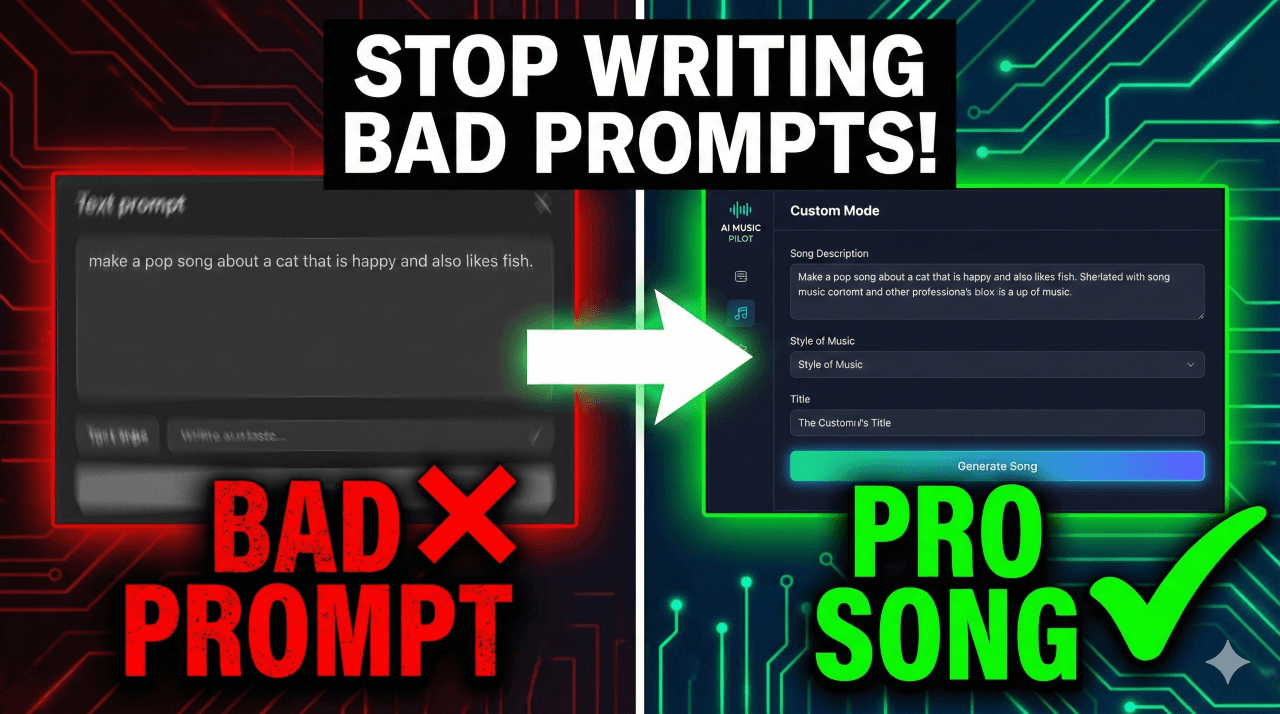
Watch this quick 2-minute walkthrough to see how AI Music Pilot helps you create professional Suno prompts and lyrics in seconds.
Navigation Guide
My Songs
View all your saved songs in one place. See version counts, switch between versions, and access any song to edit or copy its content.
Create
Start a new song project. Describe your vision, select genre, mood, and tempo. Optionally use your own custom lyrics.
Usage Indicator (in navigation bar)
Shows how many generations you have remaining this month. Click it to go to your subscription page.
How to Manage Your Subscription
To view your usage, upgrade your plan, or manage your subscription:
- Click the usage indicator in the top navigation bar (shows your remaining generations like "45/99")
- This takes you to the Subscription & Usage page
- Here you can:
- See your current plan and usage statistics
- View when your billing period resets
- Upgrade to Pro if you're on the free plan
- Manage Subscription to update payment method or cancel (Pro users)
Ready to Create Amazing Music?
Start generating professional prompts and lyrics for Suno AI today!
Start Creating